Developer API & Website Integration
Integrate PicPulse into your website or application to list pictures, display responsive albums, query custom slugs, and automate uploads via binary multipart or Base64 JSON.
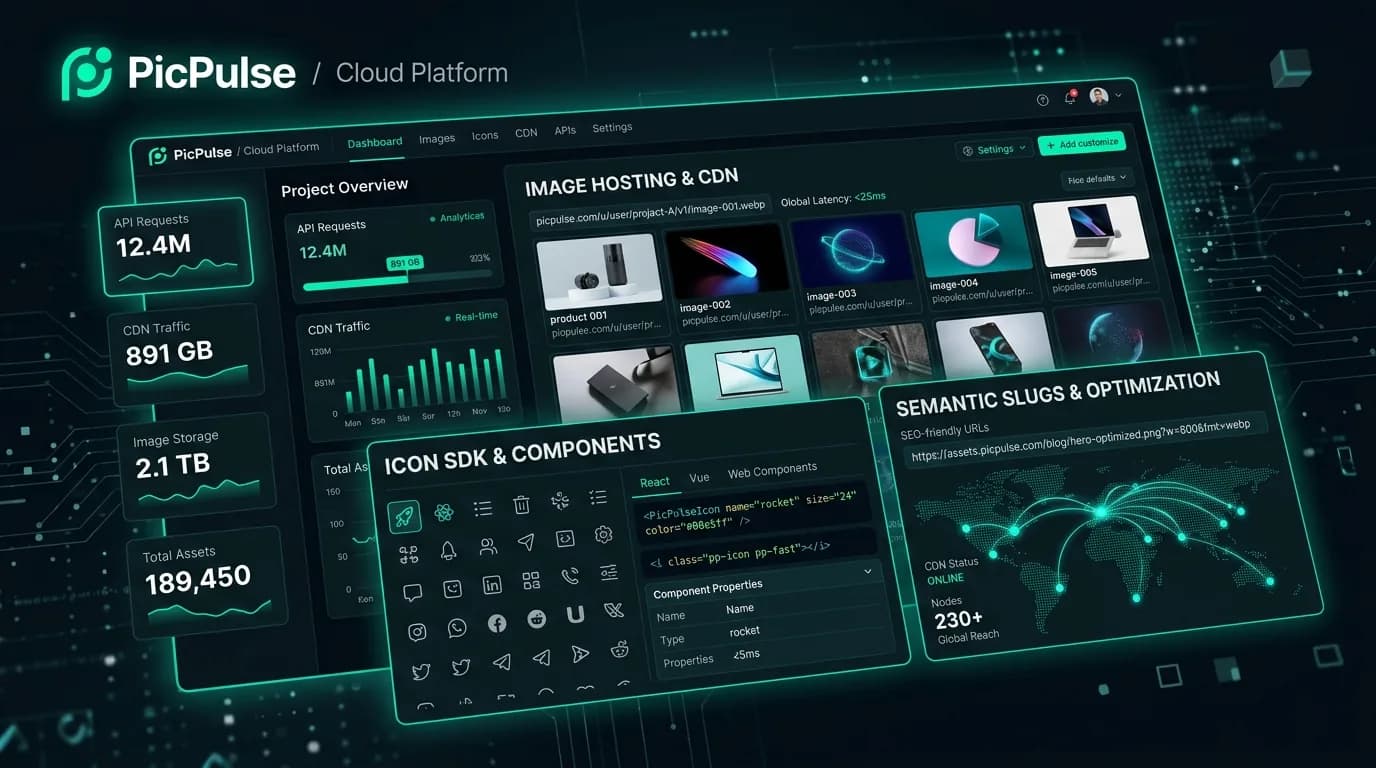
Website Integration — Show Pictures & Albums in Any Website
Embed entire picture galleries, user collections, or albums with a single script tag and declarative HTML containers.
Paste this before the closing </body> tag in your website:
<script src="https://picpulse.lushai.dev/cdn/sdk.js" async></script><!-- 1. Include the PicPulse SDK in your HTML before </body> --> <script src="https://picpulse.lushai.dev/cdn/sdk.js" async></script> <!-- 2. Drop-in Complete Picture Gallery with Lightbox --> <div data-picpulse-gallery="all" data-limit="24" data-sort="newest"></div>

SDK handles responsive CSS, thumbnail prefetching, swipeable modal overlays, and click analytics automatically.
Secure API Authentication
Every authenticated write or private request must provide a valid API Key in the headers. You can generate or revoke keys instantly in your PicPulse Account Settings.
X-API-Key: your_api_key_hereStandard custom header for direct API key pass-through.
Authorization: Bearer your_api_key_hereRFC 6750 standard OAuth2 bearer token header.
https://picpulse.lushai.dev/api/v1 • All endpoints return standard application/json.POST /api/v1/images — Binary Multipart & Base64 JSON
Upload files programmatically using standard multipart/form-data or pure JSON payloads. Strictly requires authentication.
curl -X POST "https://picpulse.lushai.dev/api/v1/images" \
  -H "X-API-Key: YOUR_API_KEY" \
  -F "image=@/path/to/photo.jpg" \
  -F "slug=epic-sunset" \
  -F "category=nature" \
  -F "tags=sunset,mountains"
Upload Parameters Specification
| Field | Type | Required | Description |
|---|---|---|---|
| image | Binary File | Yes (multipart) | JPG, PNG, GIF, WebP, BMP, or SVG (Up to 50MB) |
| image_base64 | String | Yes (JSON) | Base64 encoded image string (data URI or raw base64) |
| slug | String | Optional | Custom URL slug (e.g. epic-landscape-2025). Auto-generated if omitted. |
| title | String | Optional | Public display title. Defaults to custom slug. |
| description | String | Optional | Image description or caption text |
| category | String | Optional | Category name (e.g. photography, nature, wallpaper) |
| tags | String | Optional | Comma-separated tags (e.g. mountains,sunset,hiking) |
| is_public | Integer | Optional | 1 for Public (default), 0 for Unlisted / Private |
| album | String | Optional | Album token or ID to associate the upload with |
GET /api/v1/images • Pagination & Filtering
List pictures with full pagination, keyword search, tag filtering, album filtering, category matching, and sorting.
Query Parameters
| Parameter | Type | Default | Description |
|---|---|---|---|
| page | Integer | 1 | Page index for pagination |
| limit | Integer | 24 | Results per page (1 – 100) |
| q | String | — | Search query matching slug name, title, description, or tags |
| album | String | — | Filter pictures by album token or album ID |
| user | String | — | Filter pictures by username, or pass user=me to view your own uploads |
| category | String | — | Filter by category (e.g. nature, wallpaper) |
| tag | String | — | Filter by tag keyword |
| sort | String | newest | Sorting: newest, oldest, popular, size |
{
"status": "success",
"pagination": {
"total": 240,
"page": 1,
"limit": 2,
"total_pages": 120,
"has_next": true,
"has_previous": false
},
"data": [
{
"id": 105,
"slug": "scenic-lake-dock",
"title": "scenic-lake-dock",
"file_size": 1542030,
"file_size_formatted": "1.47 MB",
"format": "JPG",
"dimensions": { "width": 1920, "height": 1080 },
"views": 42,
"is_public": true,
"category": "nature",
"tags": ["lake", "sunset", "peaceful"],
"created_at": "2025-05-12 14:20:00",
"urls": {
"view_page": "https://picpulse.lushai.dev/i/scenic-lake-dock",
"direct_url": "https://picpulse.lushai.dev/raw/scenic-lake-dock.jpg",
"thumbnail_url": "https://picpulse.lushai.dev/thumb/scenic-lake-dock.jpg",
"cdn_embed": "https://picpulse.lushai.dev/cdn.php?id=scenic-lake-dock"
},
"embed_codes": {
"html": "<img src=\"https://picpulse.lushai.dev/raw/scenic-lake-dock.jpg\" alt=\"scenic-lake-dock\" />",
"markdown": ""
}
}
]
}Complete PicPulse REST API Endpoints
Standard REST endpoints with predictable HTTP response codes, CORS enabled, and instant CDN execution.
| Method | Endpoint | Category | Auth | Description |
|---|---|---|---|---|
| GET | /api/v1/ping | Platform & Health | Public | Public health check verifying API responsiveness and server availability. |
| GET | /api/v1/stats | Platform & Health | Public | Returns public platform-wide statistics (total images, views, bandwidth, limits). |
| GET | /api/v1/categories | Platform & Health | Public | Returns active image categories sorted by popularity. |
| GET | /api/v1/tags | Platform & Health | Public | Returns top image tags across public community uploads. |
| GET | /api/v1/images | Pictures & Images | Public / Key | List pictures with pagination, keyword search, tag filtering, album filtering, category matching, and sorting. |
| GET | /api/v1/images/{slug_or_id} | Pictures & Images | Public | Fetch details and direct CDN links for a specific picture. Automatically increments views. |
| POST | /api/v1/images | Pictures & Images | X-API-Key | Upload files programmatically using multipart/form-data or pure JSON with image_base64. |
| PUT / PATCH | /api/v1/images/{slug_or_id} | Pictures & Images | X-API-Key | Update title, custom URL slug, description, tags, category, or visibility. Image owners and admins only. |
| DELETE | /api/v1/images/{slug_or_id} | Pictures & Images | X-API-Key | Permanently delete an image and clean up cached thumbnails. |
| GET | /api/v1/albums | Albums & Collections | Public / Key | List public albums, or pass user=me to list all albums belonging to your account. |
| GET | /api/v1/albums/{token_or_id}/images | Albums & Collections | Public | Get a paginated list of all pictures inside a specific album with thumbnails and direct links. |
| POST | /api/v1/albums | Albums & Collections | X-API-Key | Create a new album collection with title, description, and visibility setting. |
| POST / DEL | /api/v1/albums/{token_or_id}/images | Albums & Collections | X-API-Key | Add (POST) or remove (DELETE) an image from a collection. |
| GET | /api/v1/images/{slug_or_id}/analytics | Analytics & Account | X-API-Key | Get 30-day time-series view trends and top referring websites for any owned image. |
| GET | /api/v1/user | Analytics & Account | X-API-Key | Retrieve authenticated user profile, total hosted disk bytes, total views, and API key metadata. |
Integration Code Snippets — Fetch Pictures & Albums
// Fetch all pictures for a user or website integration
async function getPictures() {
  const res = await fetch('https://picpulse.lushai.dev/api/v1/images?limit=20&sort=newest', {
    headers: {
      'Accept': 'application/json'
    }
  });
  const json = await res.json();

  // Iterate and display pictures in your custom UI
  json.data.forEach(picture => {
    console.log("Picture Name:", picture.slug);
    console.log("Thumbnail:", picture.urls.thumbnail_url);
    console.log("Full Image:", picture.urls.direct_url);
  });
}

// Fetch all albums
async function getAlbums() {
  const res = await fetch('https://picpulse.lushai.dev/api/v1/albums');
  const json = await res.json();
  console.log("Albums list:", json.data);
}

getPictures();
Frequently Asked Questions
Website SDK embedding, image sizes, albums, and API key authentication.
Ready to integrate PicPulse into your website?
Include the 1-line script or call REST endpoints directly from your frontend or backend. Start hosting and embedding images in under 2 minutes.